
Find, save, check
Chapter 08 / 18
Put the rows in order
A table can look tidy and still give a wrong count.
Check the format first
CSV holds rows and columns. JSON holds fields and lists. A comma is not always a new column; a quoted address may contain one. Use a CSV parser. Keep ID 0017 as text. Changing it to 17 may change its meaning.
Cleaning needs care
Keep the original file. Change date formats in a work copy. Do not merge two people with the same name. One API page may not contain all records. Check the request limit after a 429 response. Keep an API key secret; do not put it in a report.
The data path
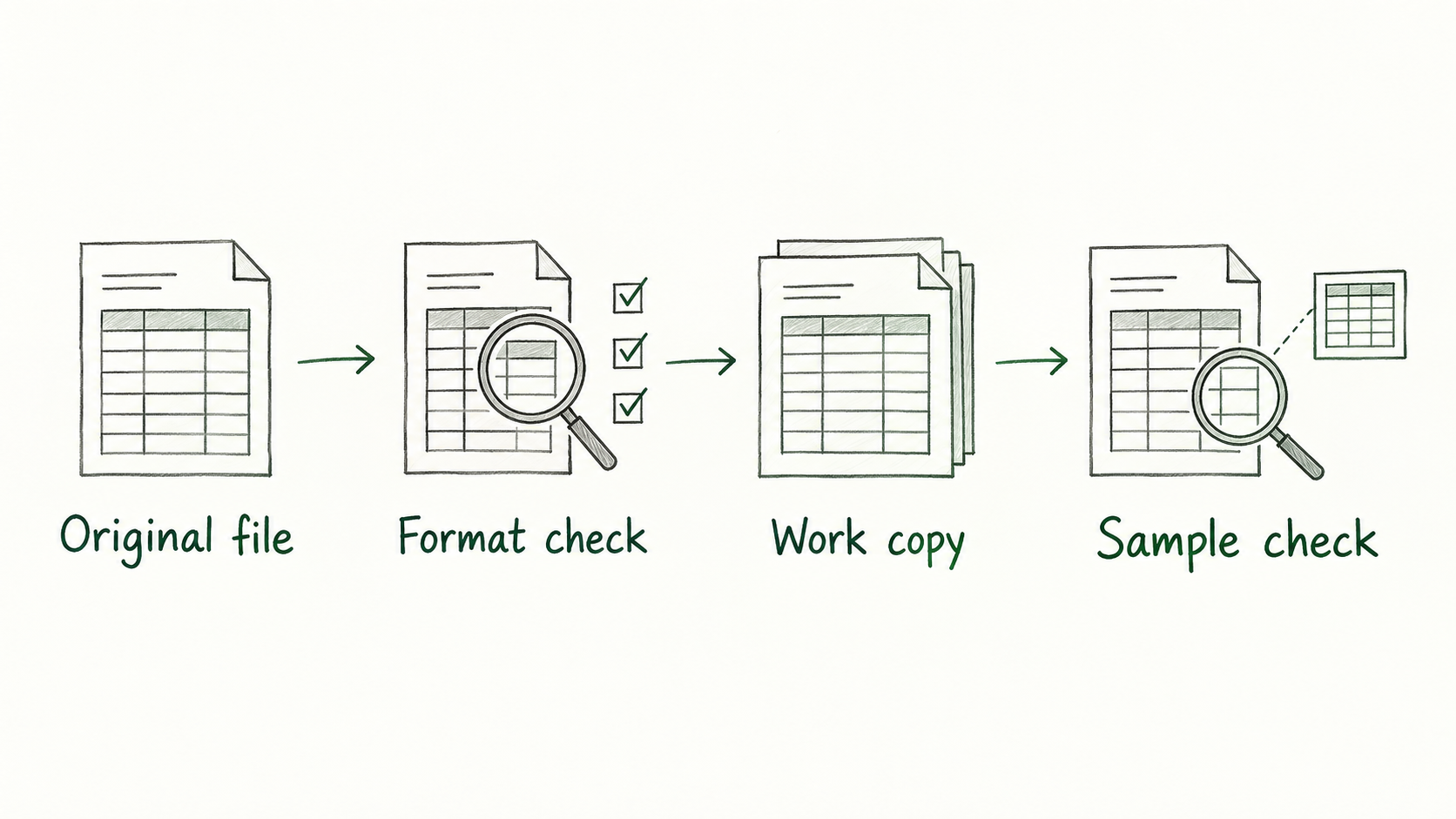 Enlarge ↗
Read as text
- Original file
- Format check
- Work copy
- Sample check
Same terms in both languages
Keep these words
- API / Endpoint
- A way for software to ask for data / the request address.
- Pagination
- Results arriving in separate pages.
- Normalization
- Putting data in a common form for comparison.
- Deduplication
- Removing real duplicate records.
- null / missing / false
- A null value / no field / the Boolean value false.
A small example
Let’s do it together
A sample list has three rows: record 0017, record 0017 and record 0018. The two different IDs have the same name.
Check that both 0017 rows really refer to the same record.
Merge a real duplicate in the work copy. Keep 0018 separate.
Result: two separate records. Write which row you removed and why.
Close the notes. Think first.
Your turn
A JSON record has no phone field. Can you say ‘This person has no phone’?
Read the explanation
No. This source may not provide that field. Write ‘This record has no phone information’.
Reading record
Only on this browser. These marks are not test results.Sources
I used my study notes and wrote new practice examples. The source PDF is not distributed here.
About the sources and rights