
Find, save, check
Chapter 04 / 18
Make the search smaller
A good query says what you need and where to look.
Change one part
First search the library’s full name in quotes. Then add a date. Use site: if you know the official domain. Add filetype:pdf for a PDF. Search engines may handle operators differently. Check the results.
Read the address in parts
In https://news.example.com/hours?year=2026#sunday, the hostname is news.example.com. The path is /hours. The query string is year=2026. The fragment is sunday. A normal HTTP request does not send the fragment, but page code can read it. Keep the full address in your evidence note.
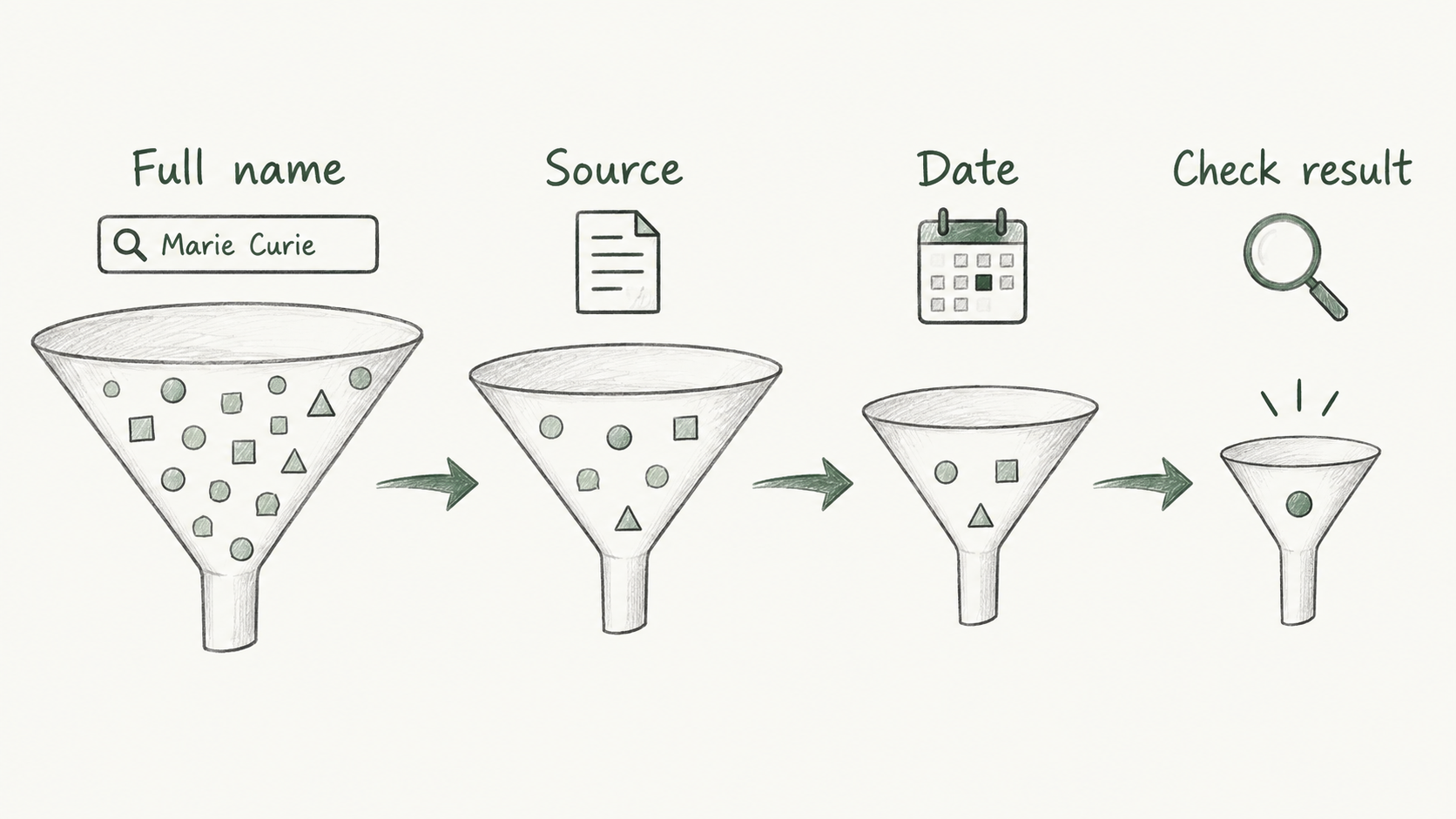
Narrow the query
 Enlarge ↗
Read as text
- Full name
- Source
- Date
- Check result
Same terms in both languages
Keep these words
- Query
- The text you put in the search box.
- site:
- Limits a search to a site or domain.
- filetype:
- Looks for a file type.
- URL
- The address of a web resource.
- Fragment
- The part after #; it can point to a place on the page.
A small example
Let’s do it together
Made-up search: site:example.com "Liman Library" filetype:pdf. Here, example.com is an example domain.
Search the full name. Check who runs each source.
Add a date or site: if there are too many results.
If there is no result, change the spelling or source type. Save the query and time.
Close the notes. Think first.
Your turn
A site:example.com search is empty. Can you say the site never existed?
Read the explanation
No. It may not be indexed. The query may be too narrow, or records may be old. Check another source and date.
Reading record
Only on this browser. These marks are not test results.Sources
I used my study notes and wrote new practice examples. The source PDF is not distributed here.
About the sources and rights