
Finish the work
Chapter 16 / 18
Learn a tool by its job
Ask three things: what goes in, what comes out, and what can be missing?
Name the output correctly
A line in an Obsidian graph is a note link. It may not be a proven real-world relationship. EyeWitness visits pages. Amass can do different things in different modes. A tool name does not guarantee passive collection.
Check a small sample
If a scraper gives fifty rows, check whether the page really has fifty records. Instant Data Scraper may miss later pages. Check names in a Whisper transcript against the audio. A tool list is not a list of tools that will appear in an exam.
Choosing a tool
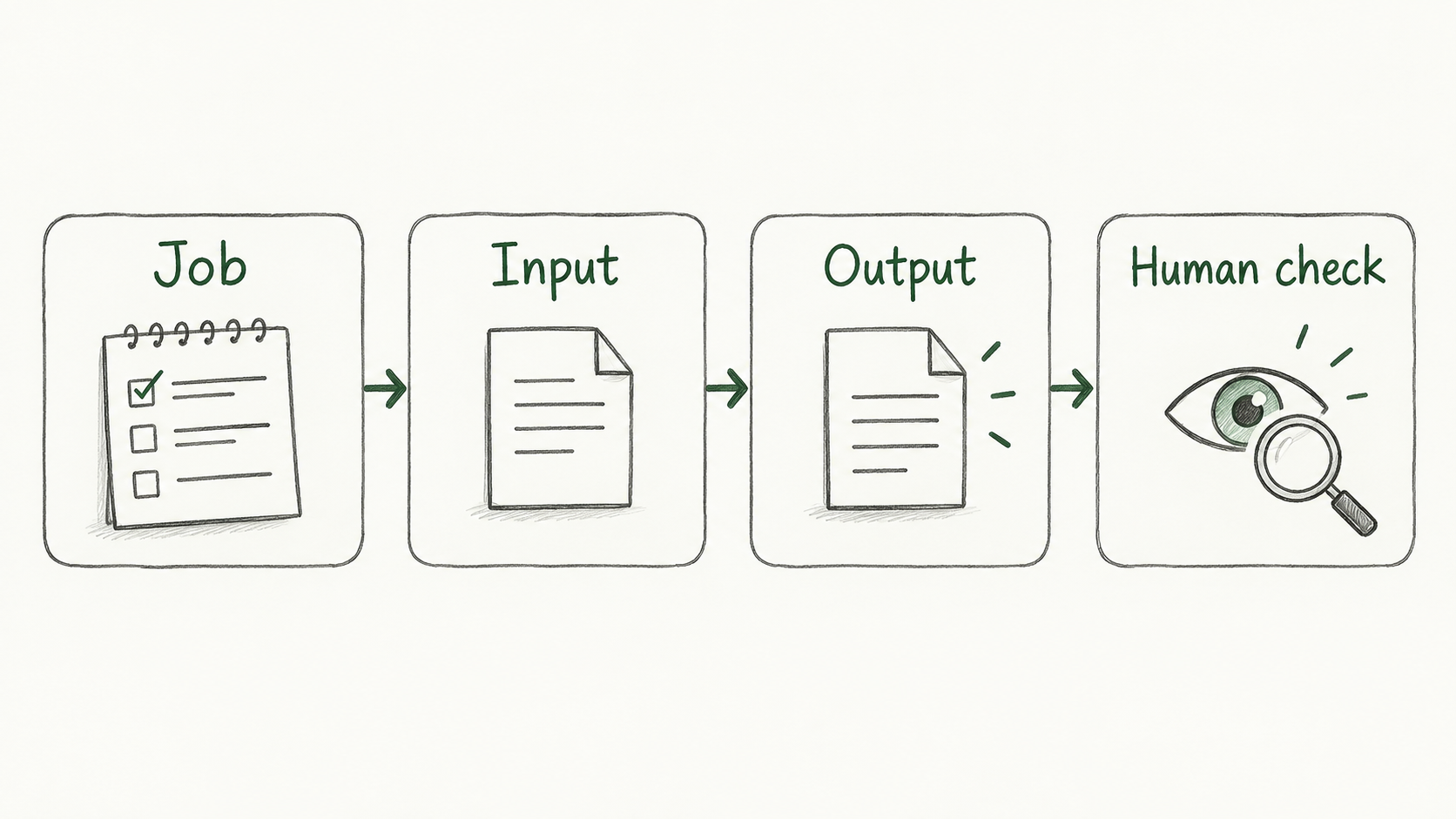 Enlarge ↗
Read as text
- Job
- Input
- Output
- Human check
Same terms in both languages
Keep these words
- Hunchly
- Helps capture visited web pages.
- Obsidian
- Organises notes and links between notes.
- ArchiveBox
- Builds archives of web resources.
- Amass / EyeWitness
- Domain and asset discovery / site screenshot and header review.
- Shodan / Censys
- Provide observation records about internet services.
A small example
Let’s do it together
You want to compare library notices. You first need dated page records, then a note of changes.
Give the tool one job: save the page.
Check whether the output has the address, time and content.
Note missing content. Compare and explain the result yourself.
Close the notes. Think first.
Your turn
A tool draws a graph. Are all its lines correct?
Read the explanation
You do not know yet. Check the record behind each line. It may show similarity or a note link.
Reading record
Only on this browser. These marks are not test results.Sources
I used my study notes and wrote new practice examples. The source PDF is not distributed here.
About the sources and rights